Your best
moments.
Already edited.
Turn podcasts, webinars and talks into short clips. Keep the final say.
90 free processing minutes. No credit card.
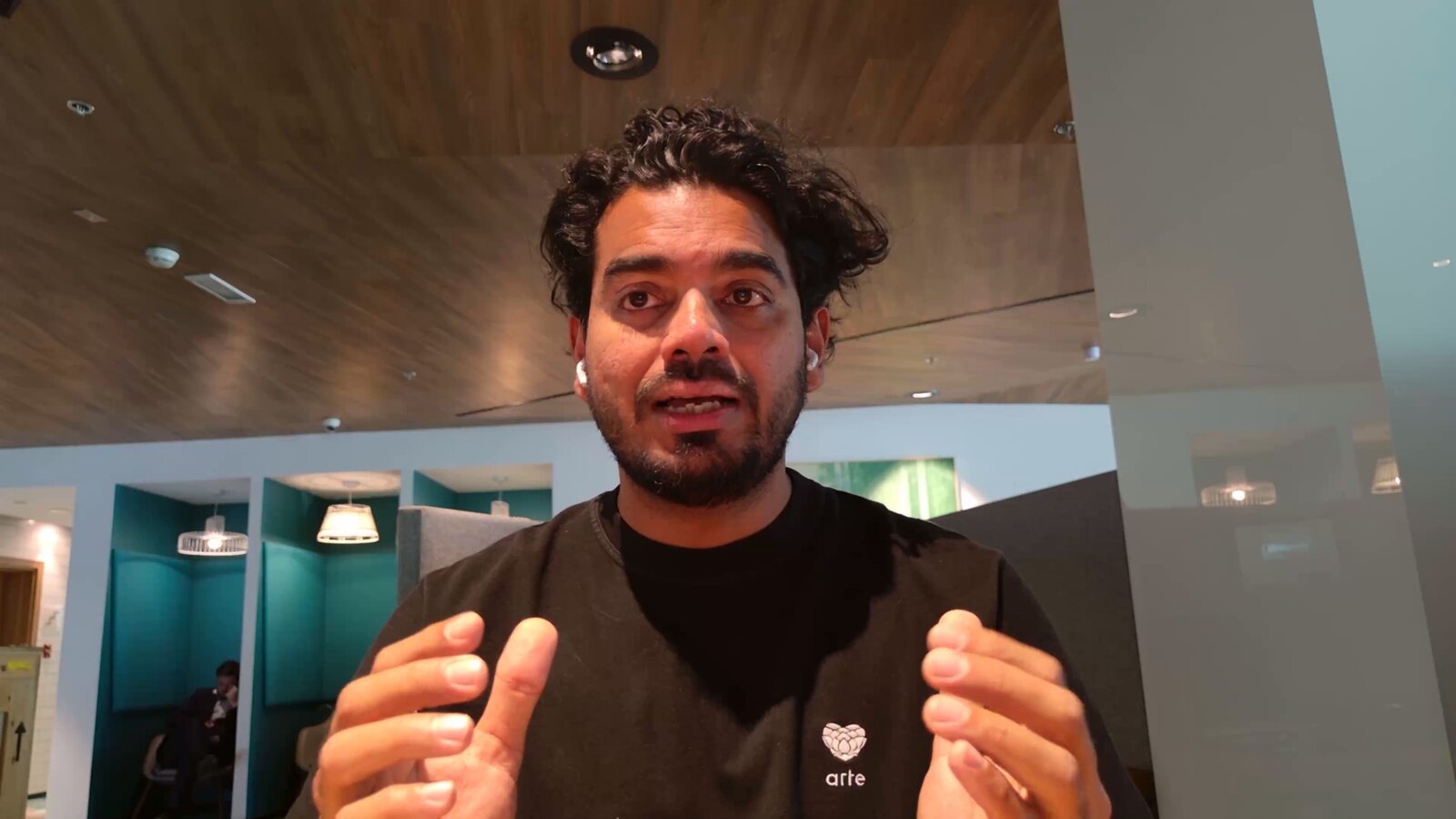

Everything between recording and posted.
From recording to posted in three moves.
Edit the clip by editing the words.
The right person in frame. Every second.
Captions that know which words matter.
Done editing? Post it from right here.
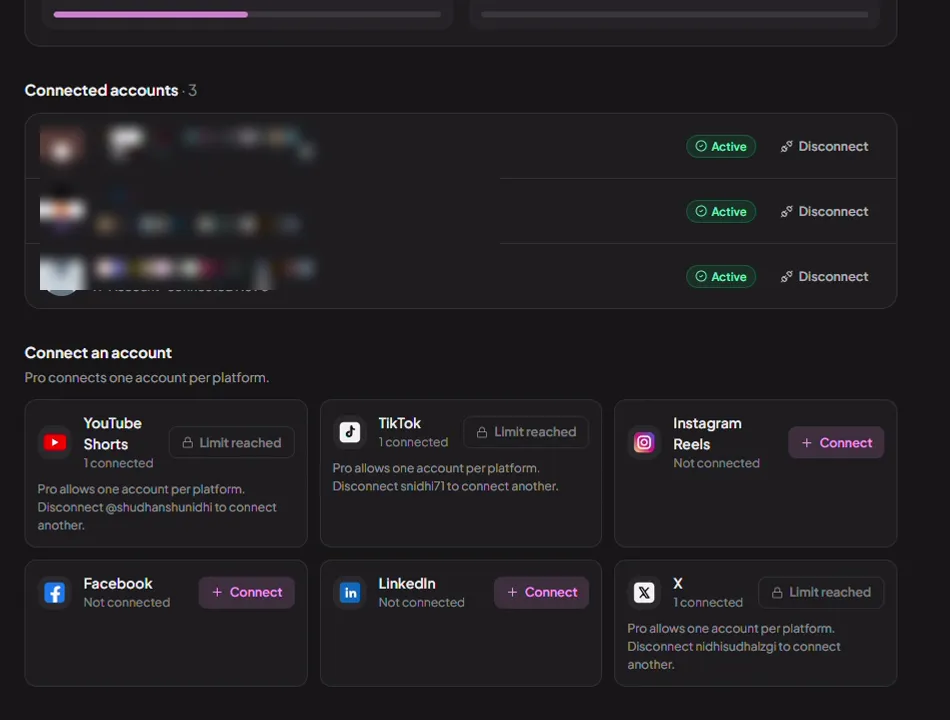
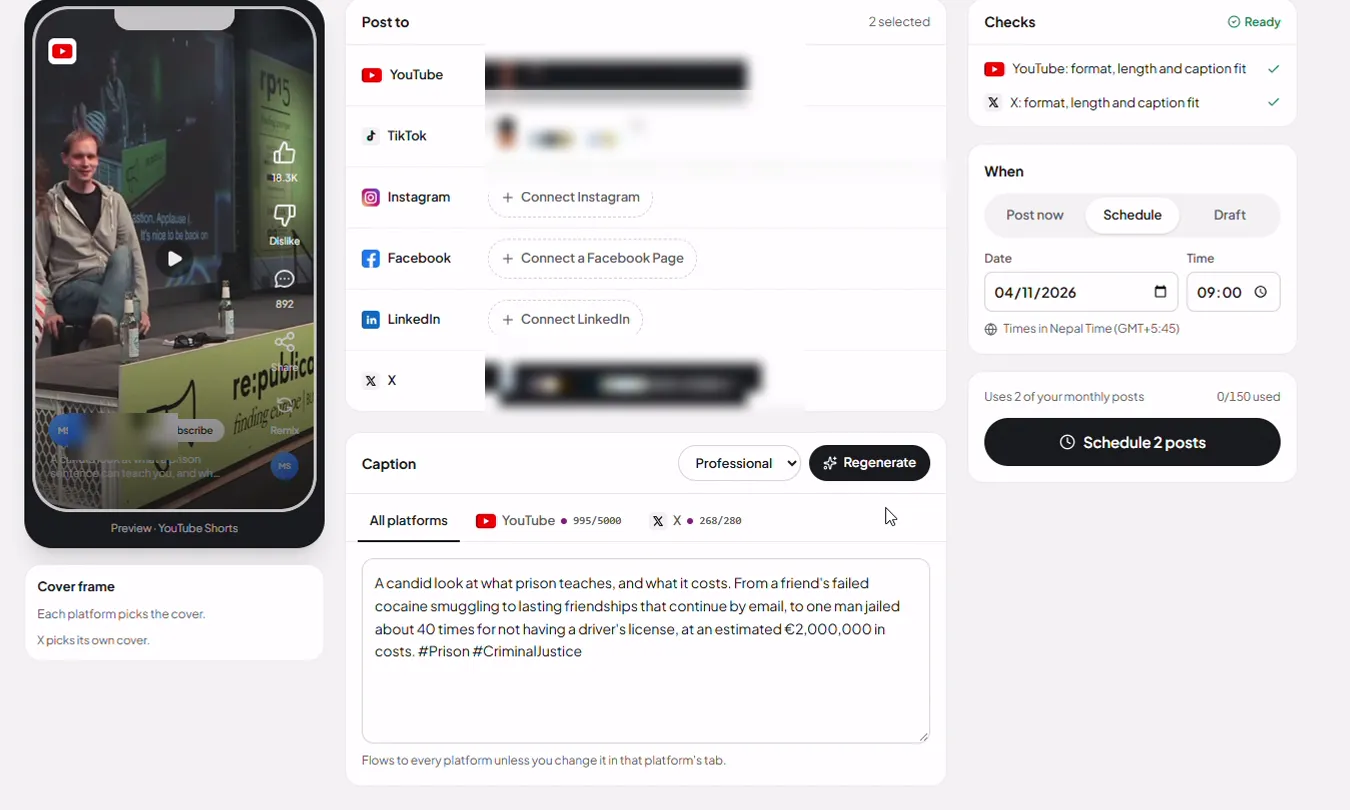
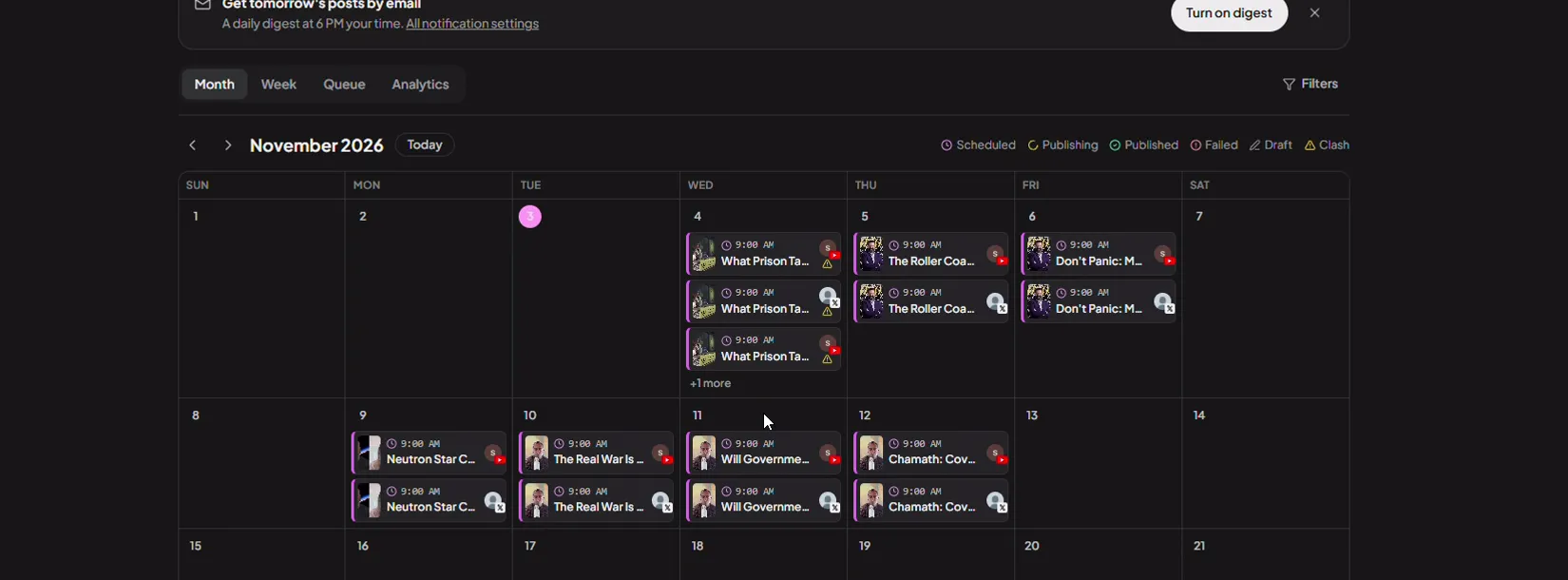
Same voice. A wider audience.
Ask ChatGPT or Claude for a clip. Get it in Montage.
https://mcp.montage.app/mcpStart free. Upgrade when you're ready.
Free
- Animated captions
- Picture-in-picture
- 90 free minutes, once · no card
- AI-powered clips
- Reframing
- Videos up to 90 min
- 1080p export
- Montage branded outro
Starter
- Animated captions
- Picture-in-picture
- 2 h every month
- Videos up to 1.5 h
- 1080p export · all aspect ratios
- No Montage branded outro
- Your logo and branded outro
- Background music
- Post to socials: 2 accounts · 30 posts a month
Pro
Everything in Starter, and additionally:
- 5 h every month; add hours as needed
- Videos up to 2 h
- 4K export
- Highlight reels
- AI sound cleanup
- XML editor handoff
- Custom fonts
- Bulk upload (20)
- Post to socials: 6 accounts, one per platform · 150 posts a month · bulk scheduling
Plans and limits can change. Fair usage policy
A few things you might ask.
How is Montage different from other AI clippers?
Most tools hand you 30 clips and call it done. Montage gives you a short, scored list of clips that are already edited and ready to post, then lets you change the words, the frame and the captions. You decide what goes out.
Can I really post from Montage, without downloading?
Yes. Connect YouTube Shorts, TikTok, Instagram, Facebook, LinkedIn and X, write the caption with AI, and schedule from a calendar. Posting is available on paid plans, and bulk scheduling is on Pro.
Do I need editing experience?
No. You edit by editing text: delete a word and the video follows. If you want more polish, hand off an XML timeline to Premiere or Final Cut.
What can I upload?
Paste a Google Drive or Dropbox link, or upload a file from your computer. Podcasts, webinars, interviews, keynotes and events all work.
How does the ChatGPT and Claude connection work?
Add the Montage connector in ChatGPT or Claude, sign in once, then ask for a clip in plain language. Montage creates an editable clip and gives you a link to finish and export it in the editor.
What do I get for free?
90 processing minutes, once, with no credit card. Free exports include a Montage outro; paid plans remove it and let you add your own logo and outro.
Can I share a clip for feedback before it goes out?
Yes. Share any clip as a link so a client, a guest or a teammate can review it in the browser without logging in.